


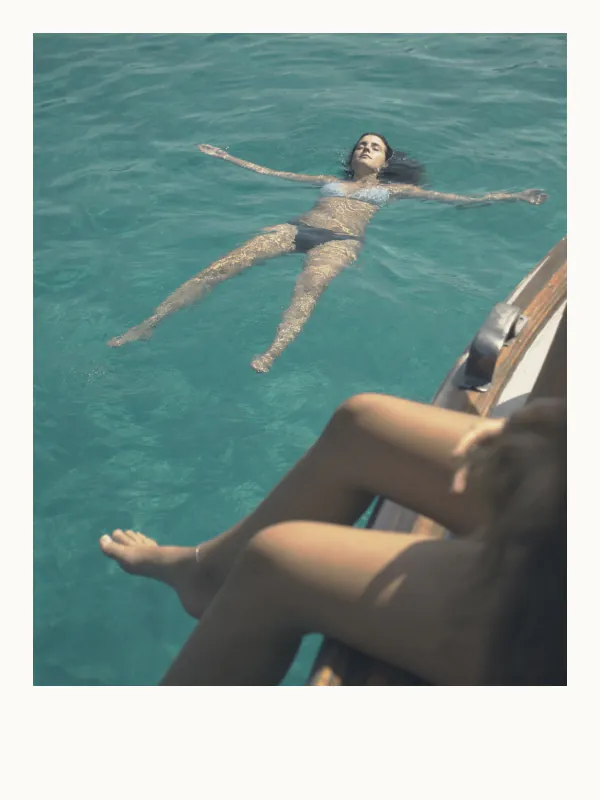
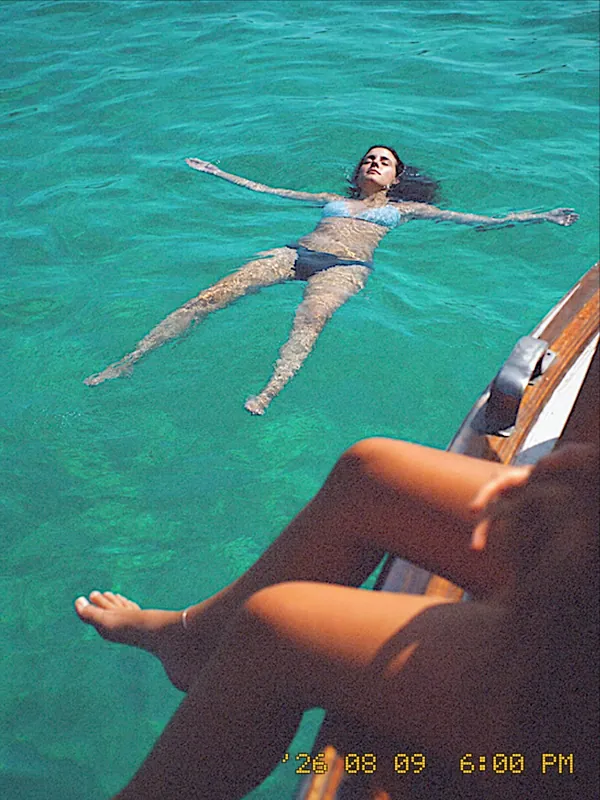
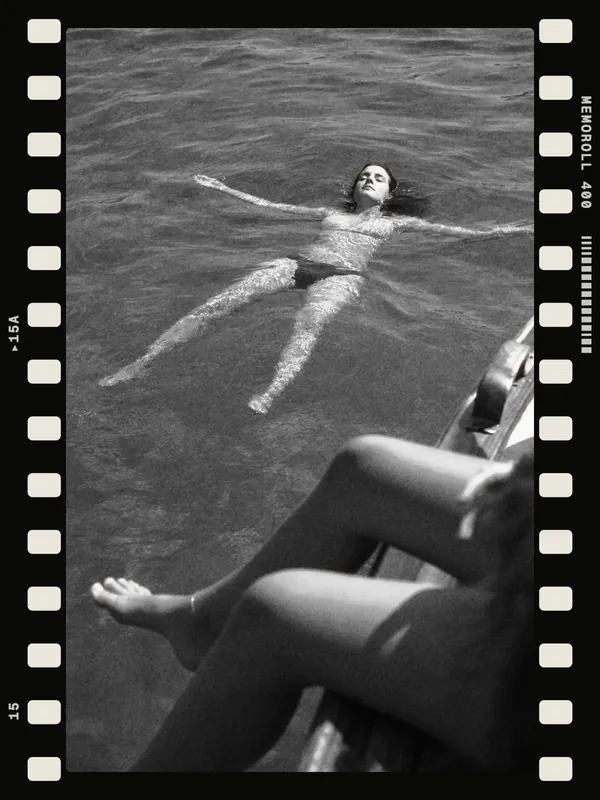
Summer in Sicily


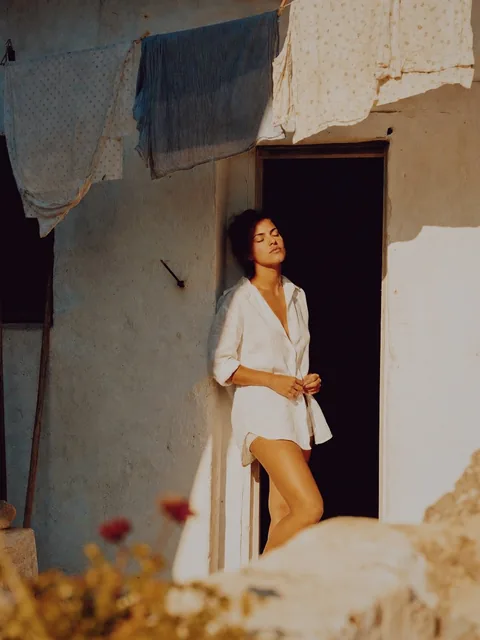


Vintage camera for iPhone
Create a roll for each moment and pick its vintage camera from a whole collection. You see its film look live in the viewfinder, and every photo and video comes out already developed.
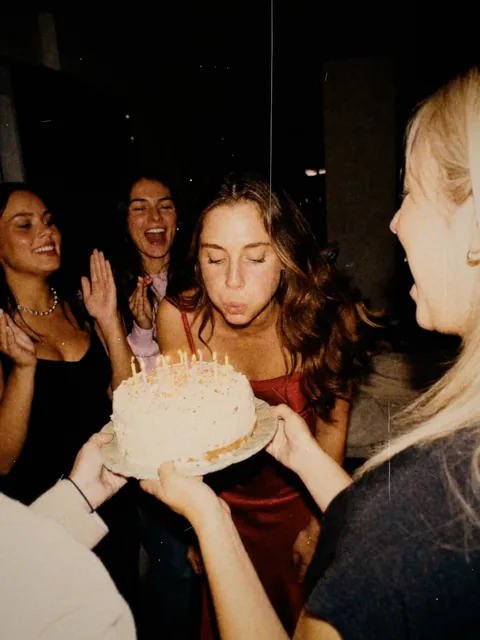
Sorted by moment
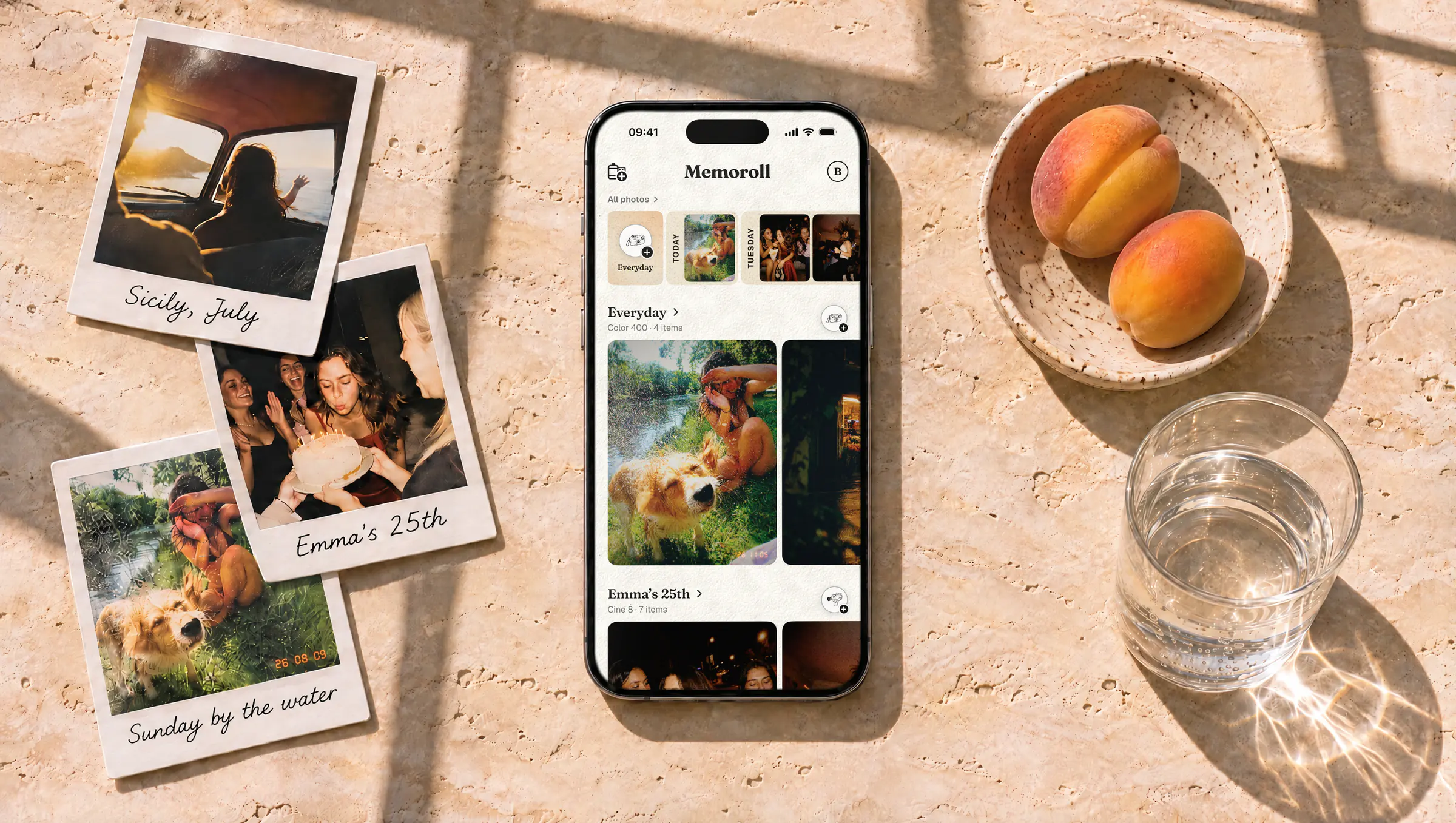
Your photo library mixes last night’s party with screenshots and receipts. In Memoroll, every moment gets its own roll, with the same look from start to finish.





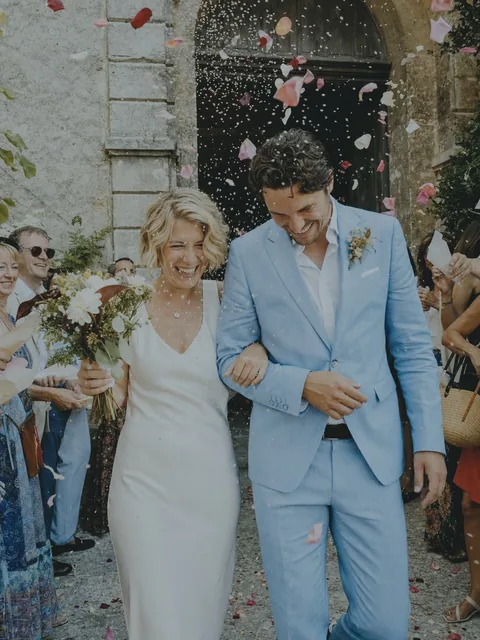
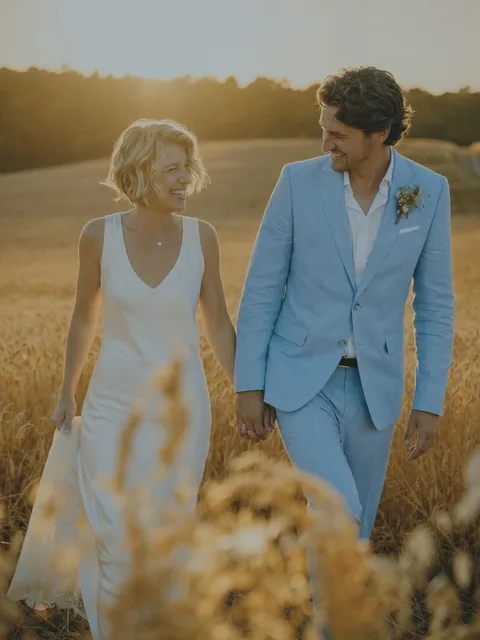
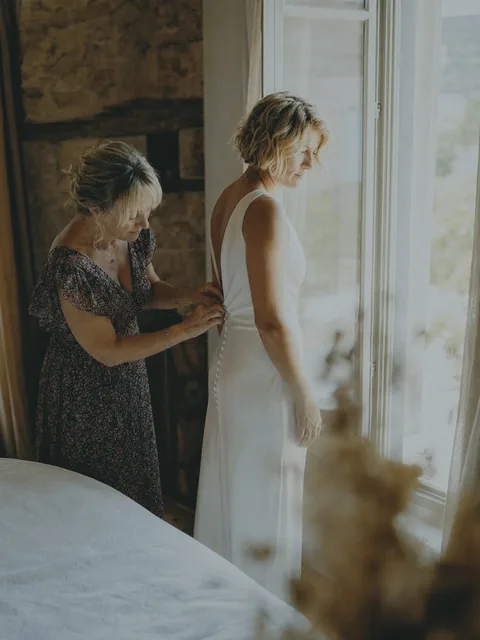
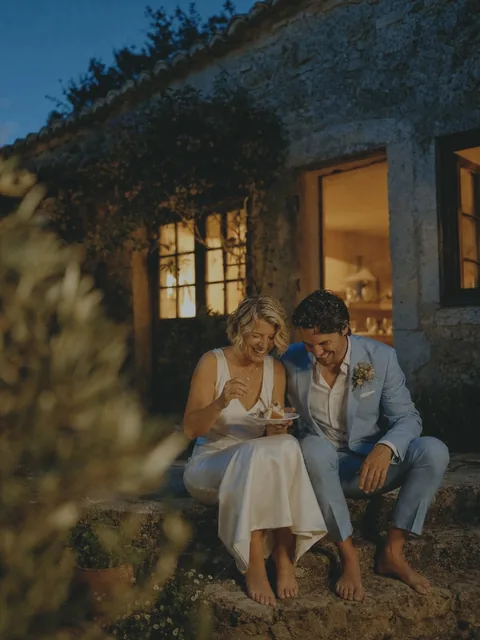
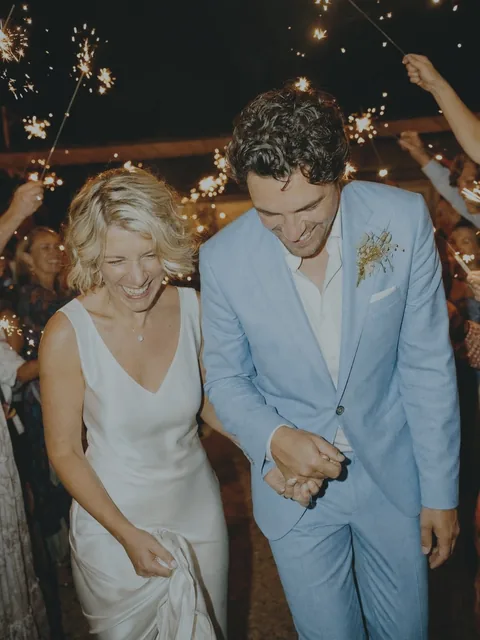
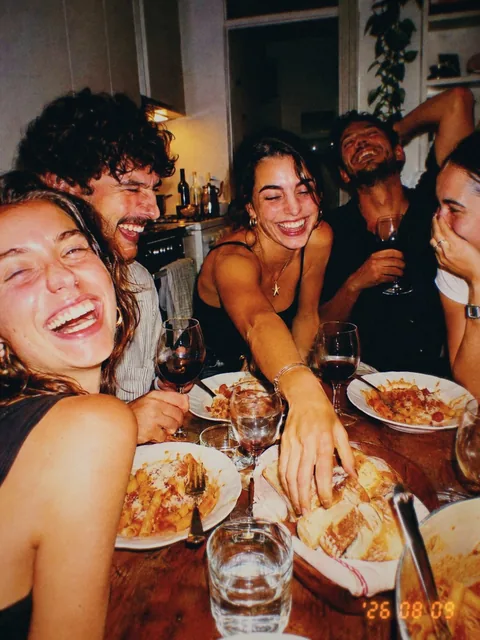



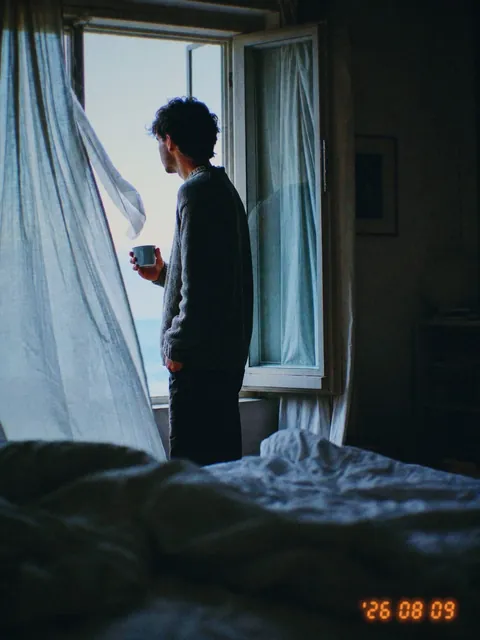
How it works
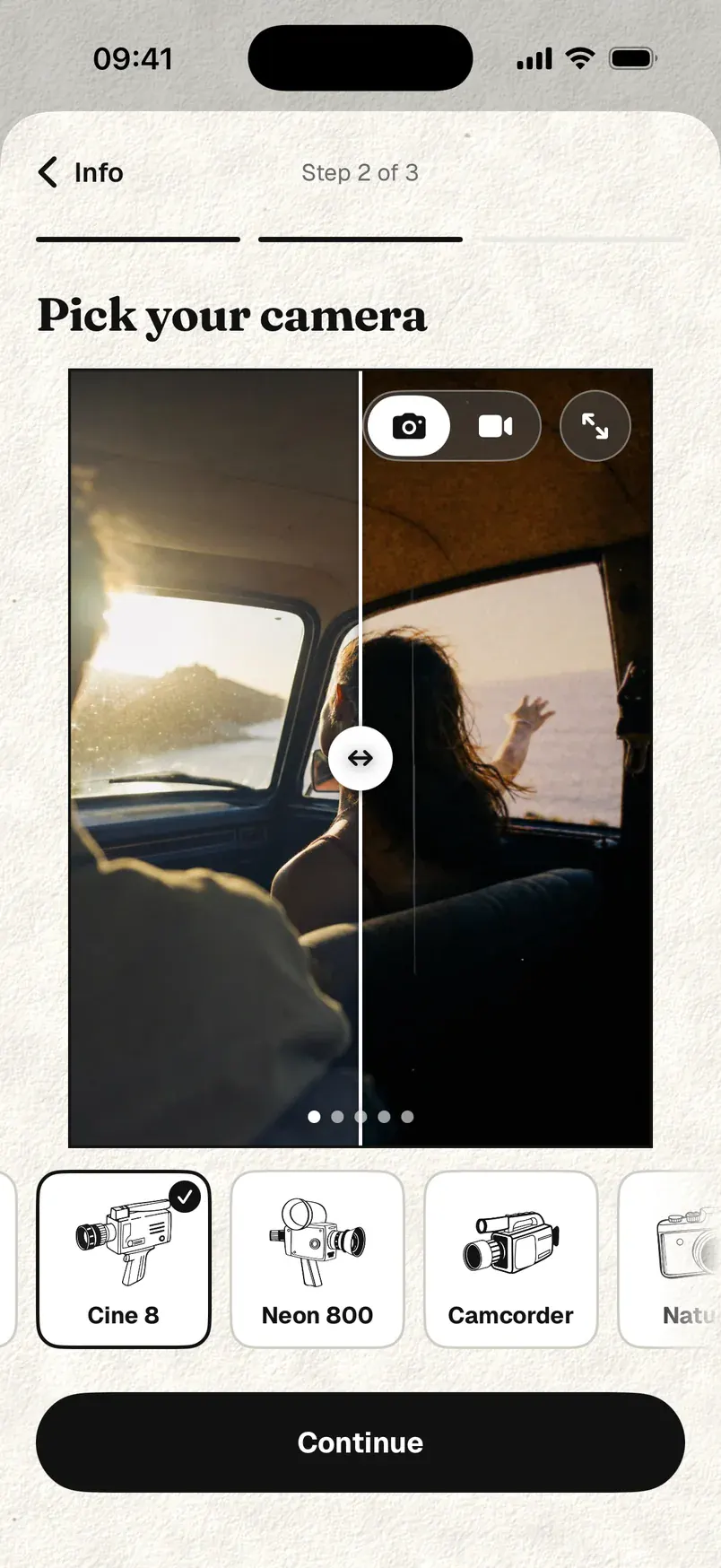
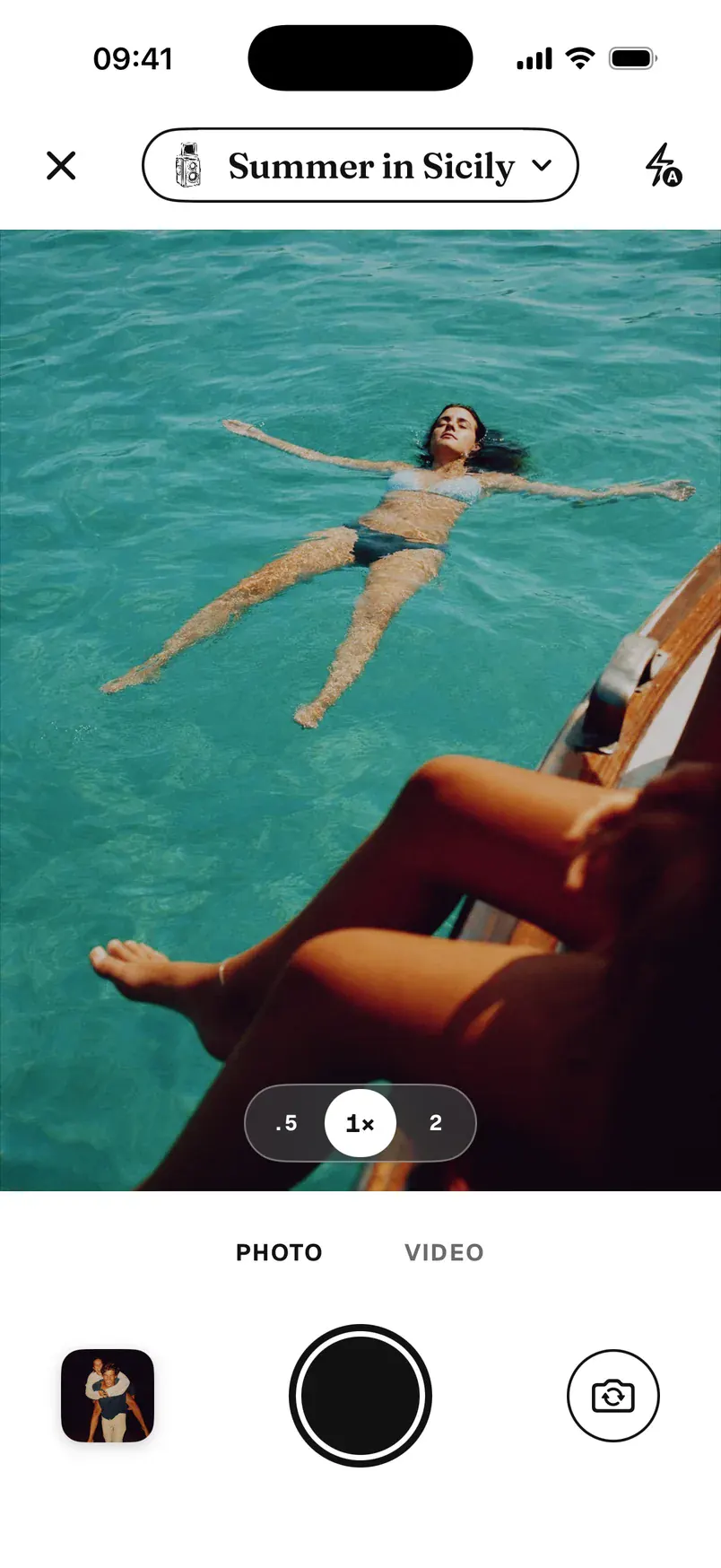
Give it a name, then pick its camera and its accessories.
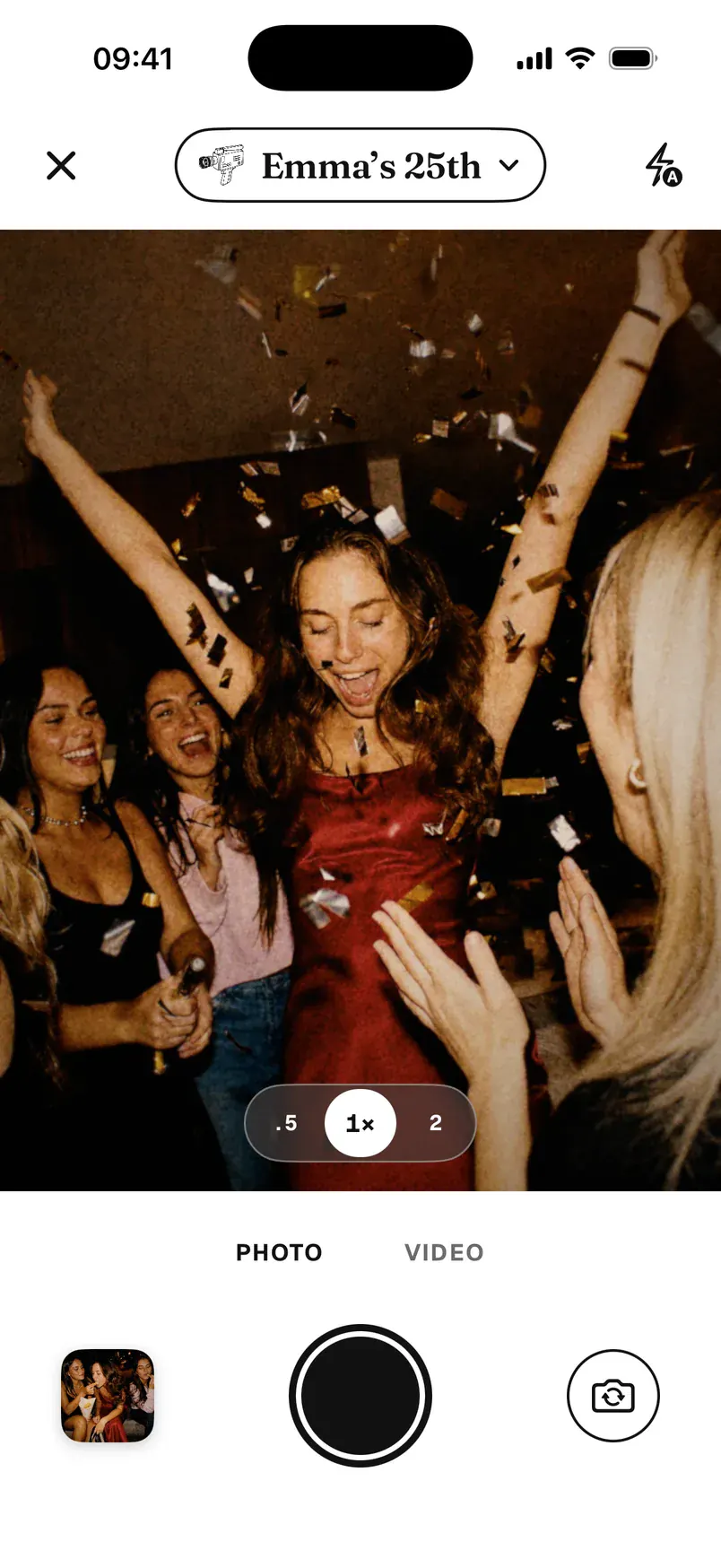
The look shows live in the viewfinder, for photos and videos. It stays the same for the whole roll.
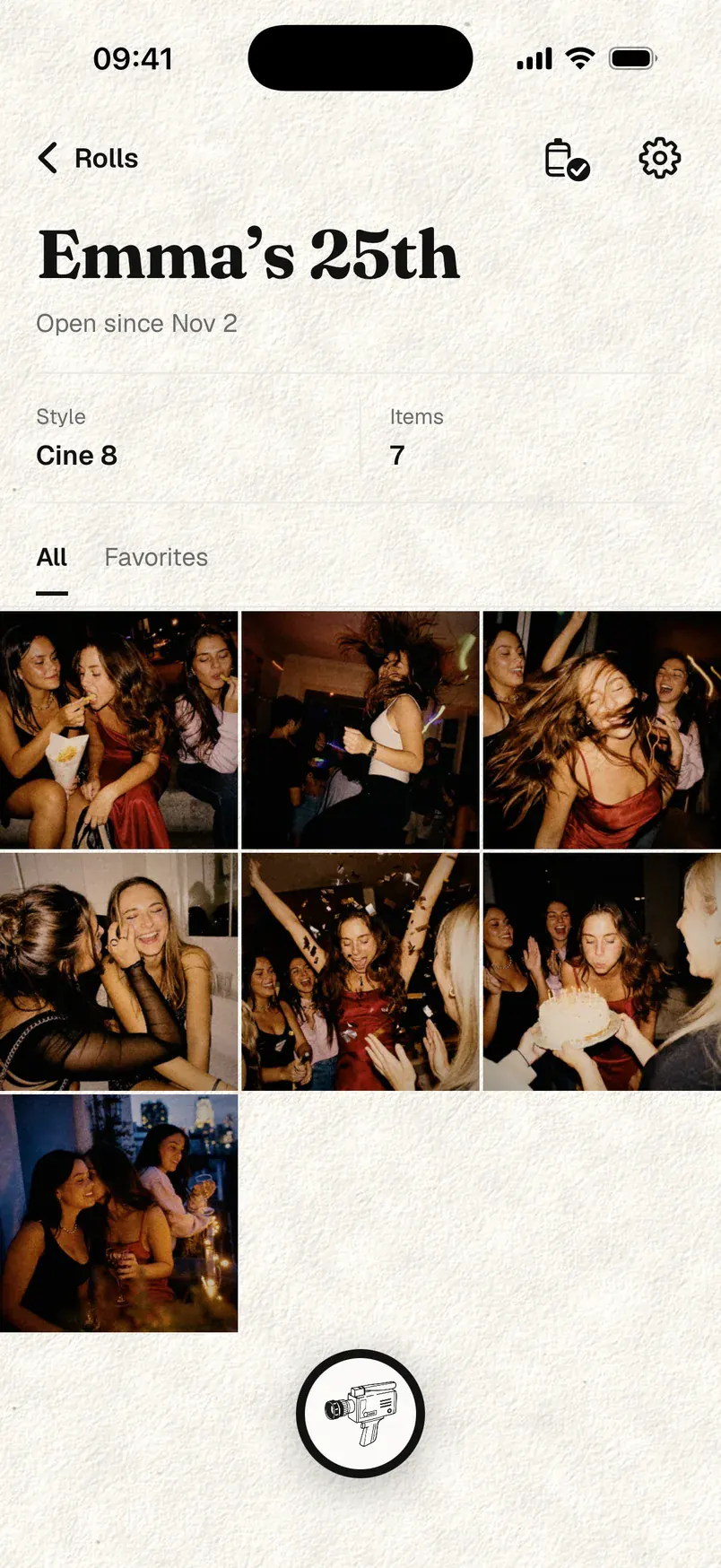
Every photo and video lands in its roll, already developed.
FAQ
Yes. Memoroll is free, and Memoroll Pro adds a few extras.
Pro is a subscription, yearly with a 7-day free trial, or monthly. If you cancel, you keep all your photos.
No, that’s the idea: one camera per roll, so the whole moment has the same look. With Pro, you can change a roll’s camera afterwards: Memoroll redevelops the whole roll from the originals.
Yes. The roll’s camera works on videos too, live in the viewfinder.
Into Memoroll, on your iPhone, backed up to your iCloud. They only show up in your photo library if you save them there, in an album named after the roll.
No. We don’t store any of your photos, and we don’t even have a server for them. They stay in Memoroll on your iPhone, backed up to your own iCloud, which we can’t access.
Yes. Every photo is kept as your iPhone took it, and the look is added on top. You can also adjust each photo afterwards.
No. Memoroll uses your iCloud, no sign-up needed.
Not yet. Memoroll runs on iPhone.
Every moment deserves its roll.
For example: Emma’s 25th, Summer in Sicily, Everyday.